Without LeadX
Everyone sees the same generic dashboard.
With LeadX
Each person builds the view their role needs.

Design dashboards that fit your business needs.
Track performance, visualize KPIs, and monitor growth with real-time, customizable widgets.


WIDGET CUSTOMIZATION
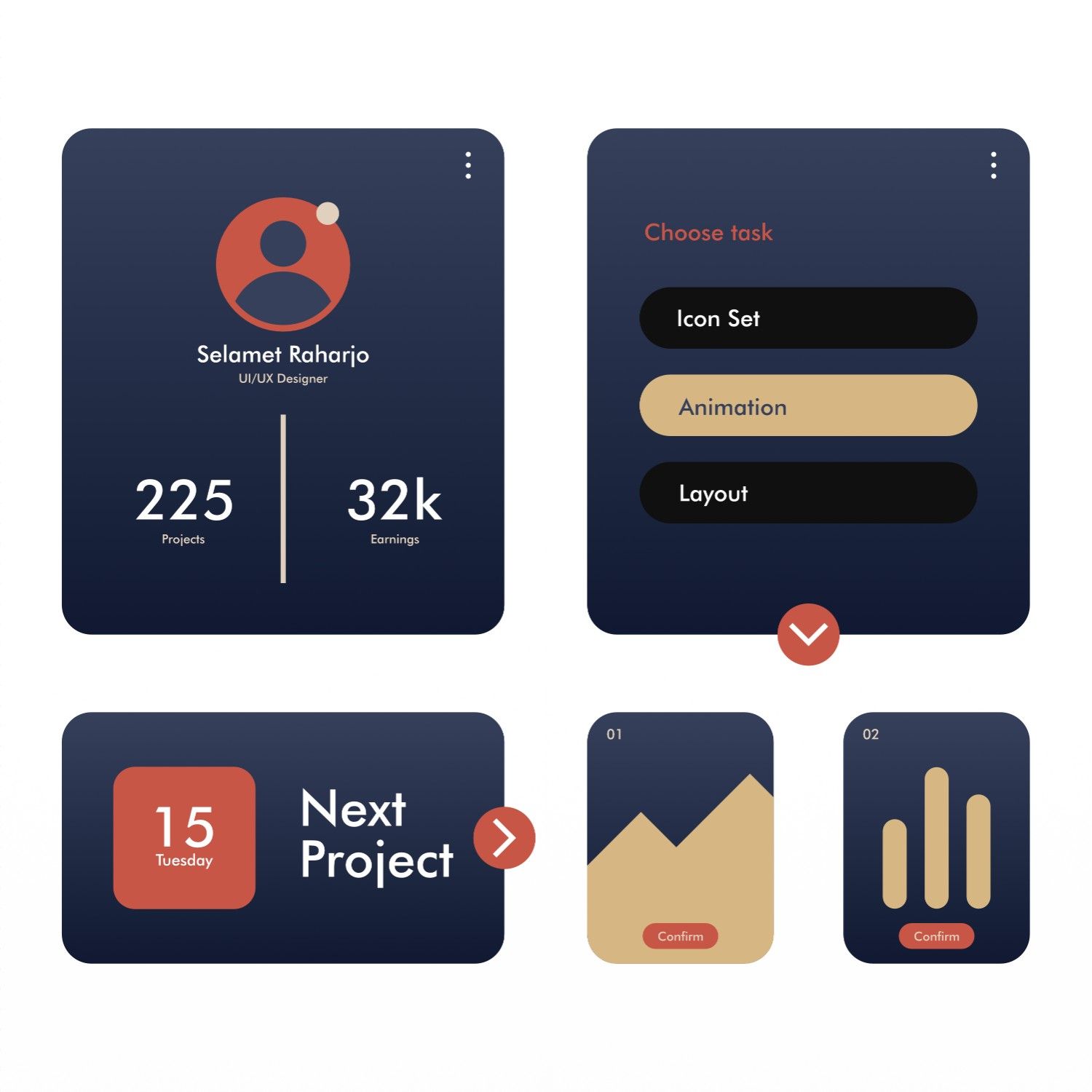
Build dashboards exactly the way you want using simple drag-and-drop widgets. Choose from charts, tables, counters, progress indicators, and performance summaries.
Customize each widget’s size, position, refresh rate, and data source to match your workflow and decision-making style.
Rearrange widgets freely and create layouts tailored to sales, support, marketing, or management roles.
Visualize data using bar charts, line graphs, pie charts, funnels, and trend indicators.

Monitor business activity as it happens with live data streaming directly into your dashboard widgets.
Auto-refreshing components ensure you always have the latest metrics without manual reloads.
 Live Auto-Refreshing Widgets
Threshold-Based Alerts
Time-Based Performance Tracking
Live Auto-Refreshing Widgets
Threshold-Based Alerts
Time-Based Performance Tracking
Powerful tools designed to turn raw data into actionable insights

Create different dashboard views for admins, managers, agents, and executives with controlled visibility.

Export dashboard data to PDF, Excel, or CSV formats for presentations, audits, and reporting.

Share dashboards with team members and stakeholders to align everyone around the same data.
Pick the metrics that matter to your role.
Lay the dashboard out the way you work.
Widgets update as your data changes.
Open one screen and know where things stand.
Everyone sees the same generic dashboard.
Each person builds the view their role needs.
Key numbers are buried three clicks deep.
The metrics you care about are on the first screen.
Figures are out of date by the time you look.
Widgets update in real time.
A sales manager adds pipeline and follow-up widgets, a marketer adds campaign and source widgets, and each opens the platform to the numbers they act on.
Everything in LeadX shares the same lead record, so each feature makes the others more useful.
Join thousands of businesses that use LeadX to capture, engage,
and convert
more leads with our intelligent lead management platform.


Client Success Stories
Discover how companies across India are using LeadX to unify Sales, Support,
and Marketing
and drive measurable business growth

Project Manager
LeadX streamlined our lead handling completely. With WhatsApp and email automation.

Sales Director
AI-powered lead scoring helped our sales team prioritize serious buyers and close deals faster.

Marketing Manager
The analytics and reporting tools helped us optimize campaigns and significantly improve ROI.

Business Development Head
CRM integrations made LeadX the backbone of our sales operations.

Digital Marketing Lead
Multi-channel automation helped us generate 60% more qualified leads efficiently.

Operations Manager
Automation workflows reduced manual effort and improved lead follow-up consistency.

Customer Success Head
Support and engagement workflows improved customer satisfaction across channels.

Founder
LeadX helped us scale from startup to growth-stage efficiently.

Growth Strategist
Real-time analytics gave us the clarity needed to make faster marketing decisions.

Regional Sales Manager
Automated follow-ups and CRM sync ensured no lead was lost across regions.
FAQ