Without LeadX
The same record is updated in two systems.
With LeadX
Leads and contacts are shared with Salesforce.

Integrate LeadX with Salesforce for enterprise-grade CRM functionality. Sync contacts, leads, opportunities, and accounts seamlessly.


Connect LeadX with Salesforce to enhance your enterprise CRM capabilities and streamline your sales processes.
Get Started Free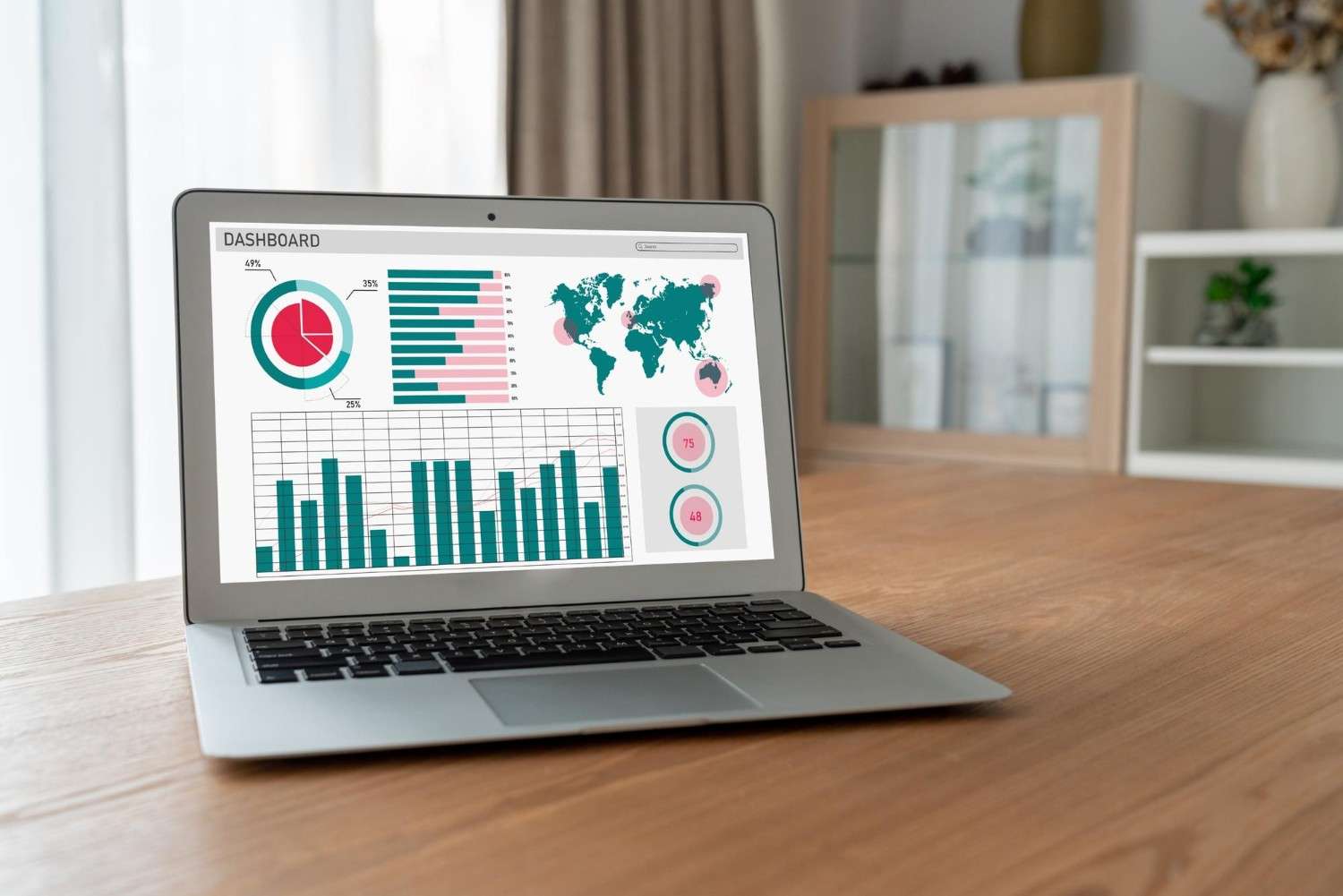

Enhance your sales process with Salesforce's enterprise features combined with LeadX's messaging capabilities.

ENTERPRISE CRM
Connect LeadX with Salesforce to create a powerful lead management ecosystem. Sync contacts, leads, opportunities, and accounts in real-time.
Real-time data synchronization between platforms.
Unified contact and lead management.
Already Join 15K+ Business Using LeadX




















No developer needed. Authenticate once and LeadX keeps everything flowing.
In your LeadX dashboard, go to Integrations.
Choose Salesforce and follow the on-screen authentication steps.
Pick the fields to sync and the follow-ups to trigger.
Data starts flowing and your team works from one place.
Share leads and contacts between Salesforce and LeadX.
Update a record once instead of copying it between tools.
Layer WhatsApp, Email and SMS on top of your Salesforce data.
See activity and outcomes for every lead in a single view.
The same record is updated in two systems.
Leads and contacts are shared with Salesforce.
Teams work from different versions of the truth.
Everyone sees the same activity.
Outreach happens outside the system of record.
WhatsApp, Email and SMS sit on top of your data.
Pair Salesforce with these integrations to cover the whole lead journey.
INTEGRATIONS
Join thousands of businesses that use LeadX to capture, engage,
and convert
more leads with our intelligent lead management platform.


Client Success Stories
Discover how companies across India are using LeadX to unify Sales, Support,
and Marketing
and drive measurable business growth

Project Manager
LeadX streamlined our lead handling completely. With WhatsApp and email automation.

Sales Director
AI-powered lead scoring helped our sales team prioritize serious buyers and close deals faster.

Marketing Manager
The analytics and reporting tools helped us optimize campaigns and significantly improve ROI.

Business Development Head
CRM integrations made LeadX the backbone of our sales operations.

Digital Marketing Lead
Multi-channel automation helped us generate 60% more qualified leads efficiently.

Operations Manager
Automation workflows reduced manual effort and improved lead follow-up consistency.

Customer Success Head
Support and engagement workflows improved customer satisfaction across channels.

Founder
LeadX helped us scale from startup to growth-stage efficiently.

Growth Strategist
Real-time analytics gave us the clarity needed to make faster marketing decisions.

Regional Sales Manager
Automated follow-ups and CRM sync ensured no lead was lost across regions.
FAQ